Character mode
Creates a look-alike picture-book character from the face. No photo stays in the book.
New Classmates in the story
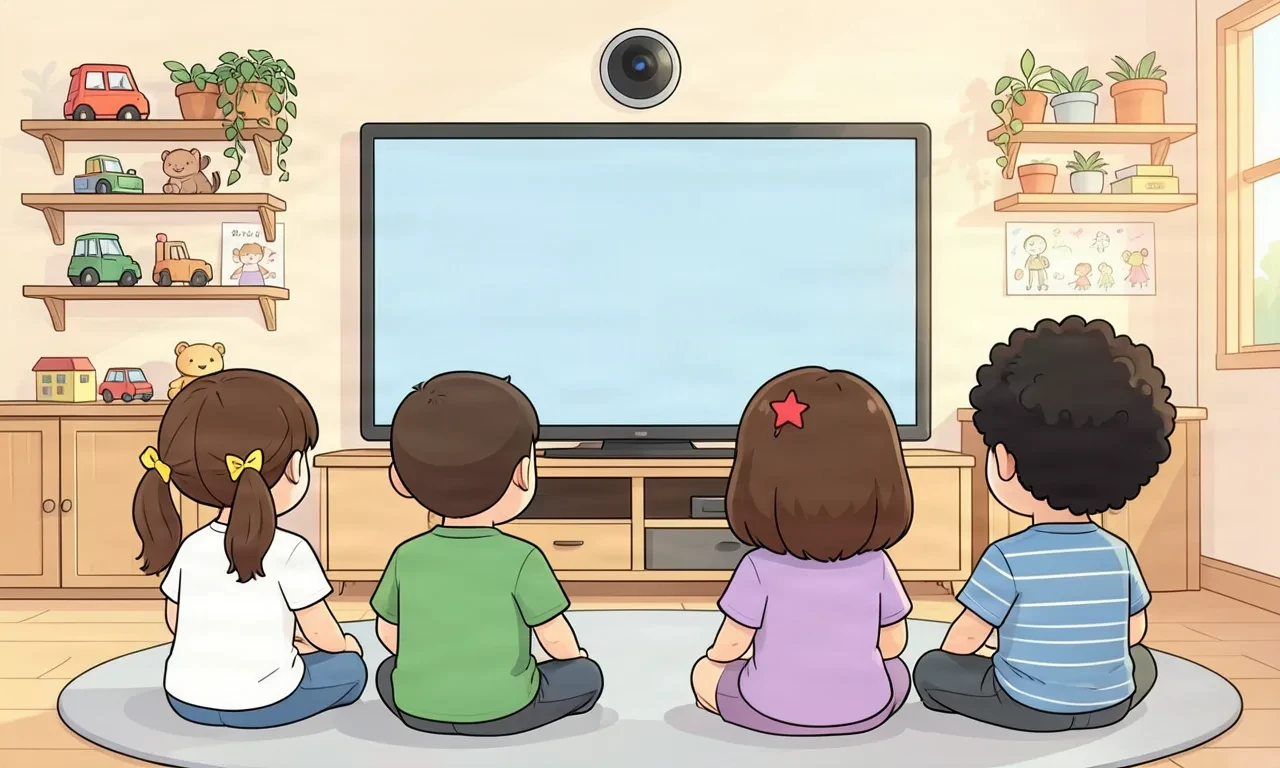
The camera on the classroom TV captures the children together. Each face floats into a big soap bubble, turns into a picture-book character, and joins Momo in the story.
The children's faces on this page are example illustrations drawn with AI, not photos of real children.
Illustration of children sitting around a TV with a camera in a daycare classroom
A picture book made by picking one classmate character and using the 'Momo meets a classmate' story. Scene pictures, Korean and English narration, music and sound effects were all made in the studio in about seven minutes.
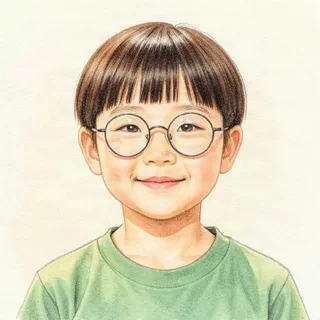
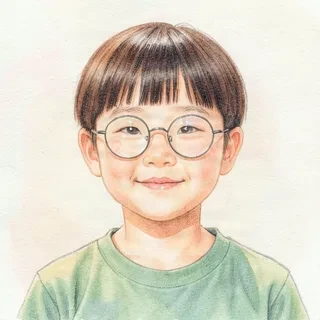
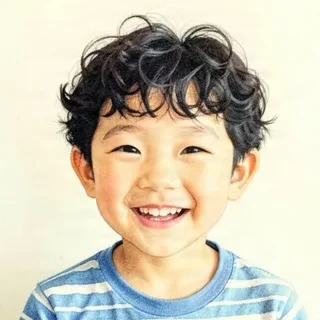
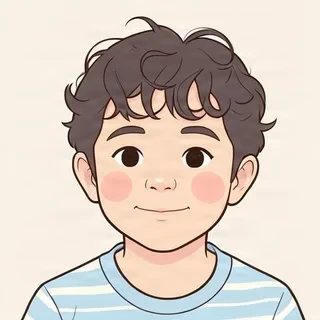
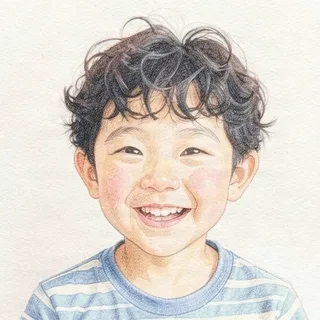
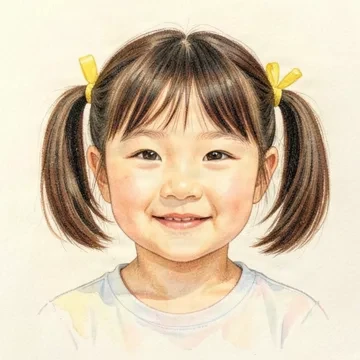 Captured photoAI example
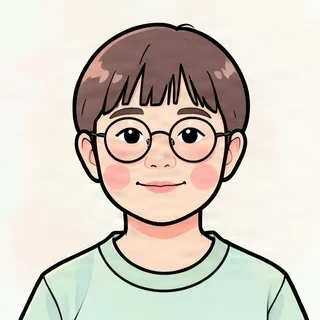
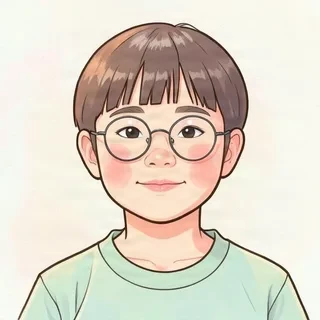
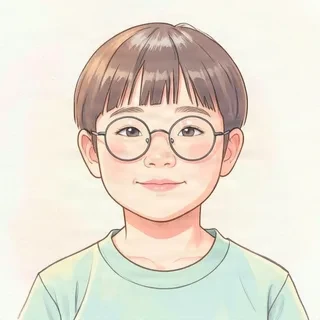
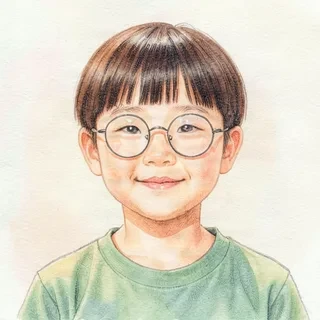
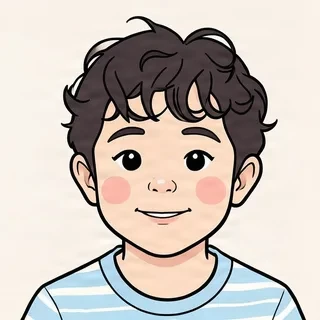
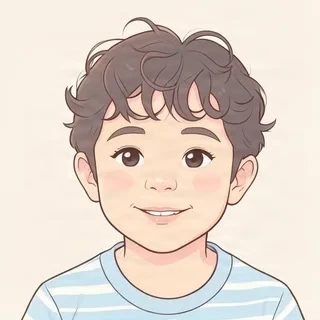
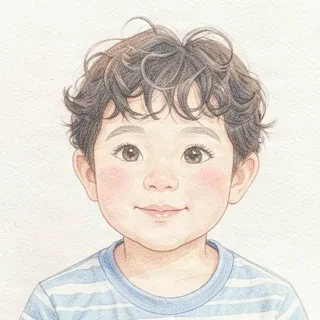
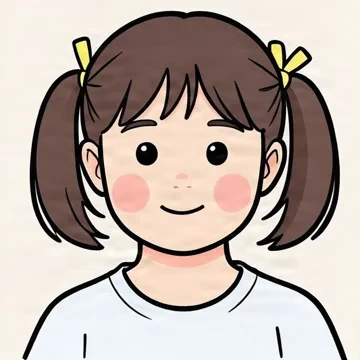 Character face
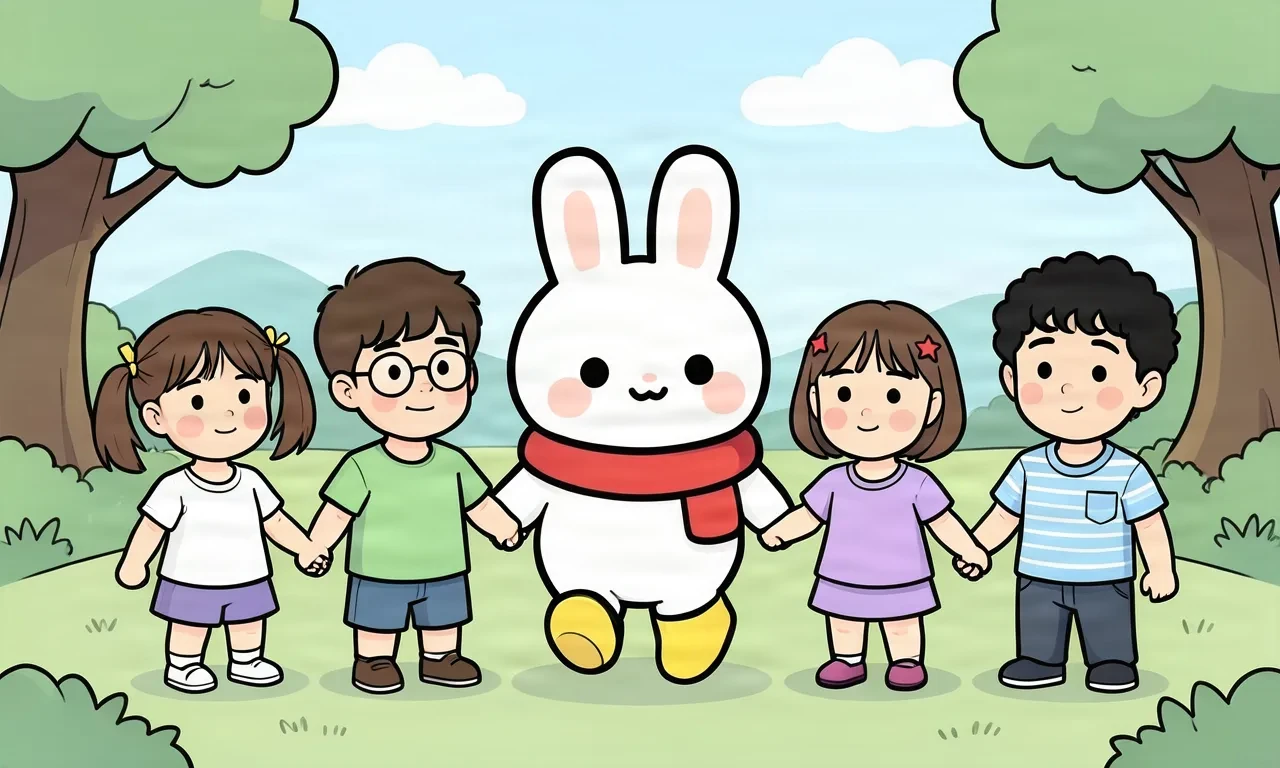
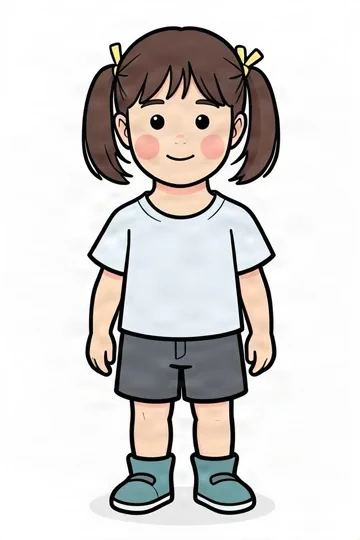 In the book
The classmate character was made from an example face drawn with AI, not a real child.
When the children gather in front of the TV, the camera finds and captures several faces at once. No need to photograph them one by one.
Each face rises into a big soap bubble on the TV screen and turns into a picture-book character while the children watch.
The new characters appear together in the story scenes, keeping features like hairstyle, hair clips and glasses.
The teacher checks every scene before it plays on the classroom TV. Any scene can be redrawn on its own.
Left: example faces drawn with AI. Right: the picture-book characters made from them.
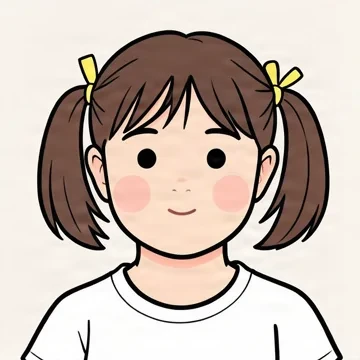
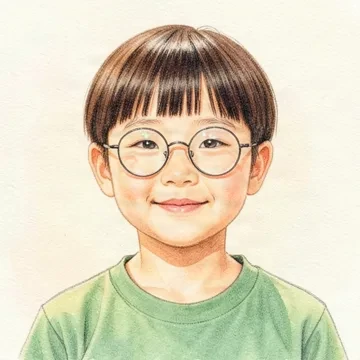
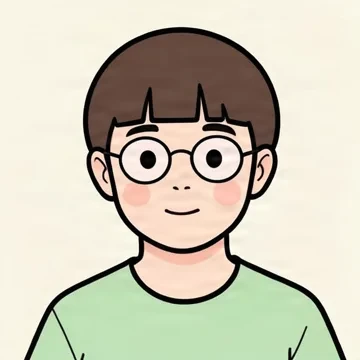
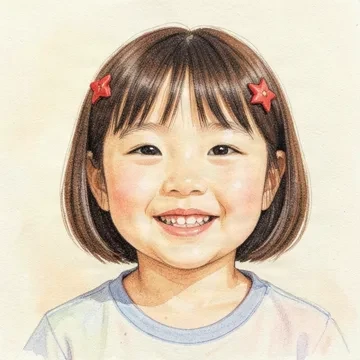
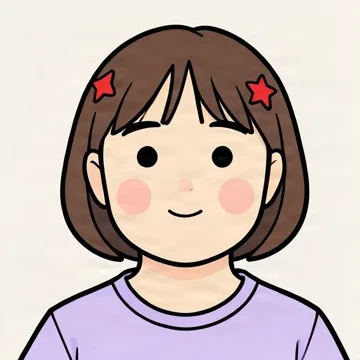
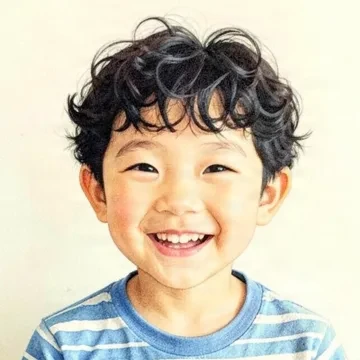
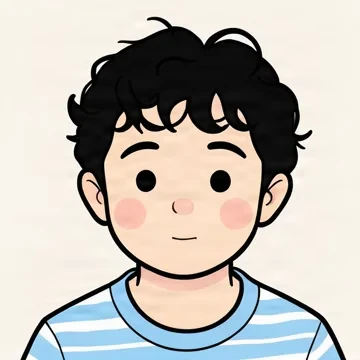
Creates a look-alike picture-book character from the face. No photo stays in the book.
Places the captured face into the book's art style. Available only for classes with confirmed parental consent.
 Made with GenAI Labs AI
Momo and the Sunshine Class go on a picnic, hand in hand.
A picture-book scene made with the example characters.
Pick a likeness from 50% to 90%. Lower looks more like a picture-book character, higher looks closer to the child. The default is 80%.
Make an animated picture book just for your class within your lesson-prep time.
Enter this week's theme and the words to learn, and AI drafts the story, scene pictures, Korean and English narration, and music together.
Three picture options per scene in about a minute. Choose the one you like, or redraw just that scene.
Characters blink and move, words make sounds when tapped, and Korean and English switch instantly.
Play the book on the classroom TV right away, and send a link home so families can watch it again.
AI drafts and offers options; early-childhood teachers look, listen and check every scene. Only reviewed books reach the children.
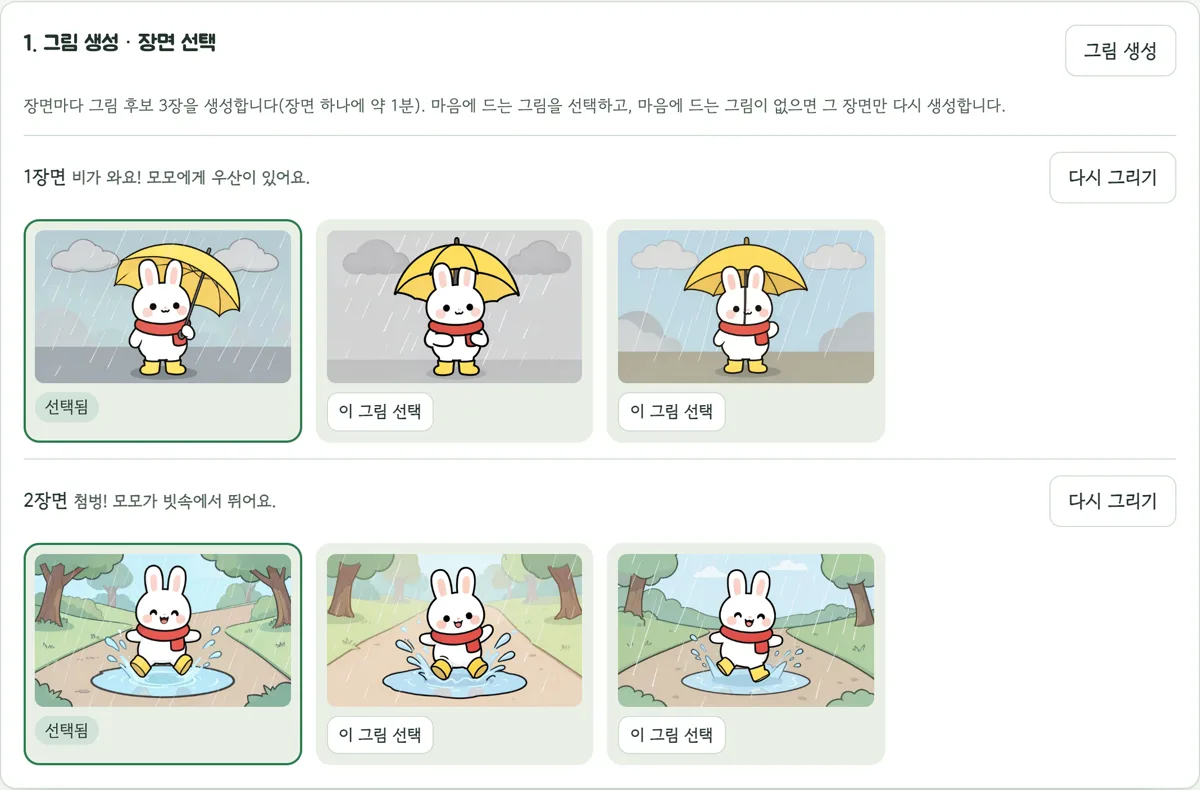
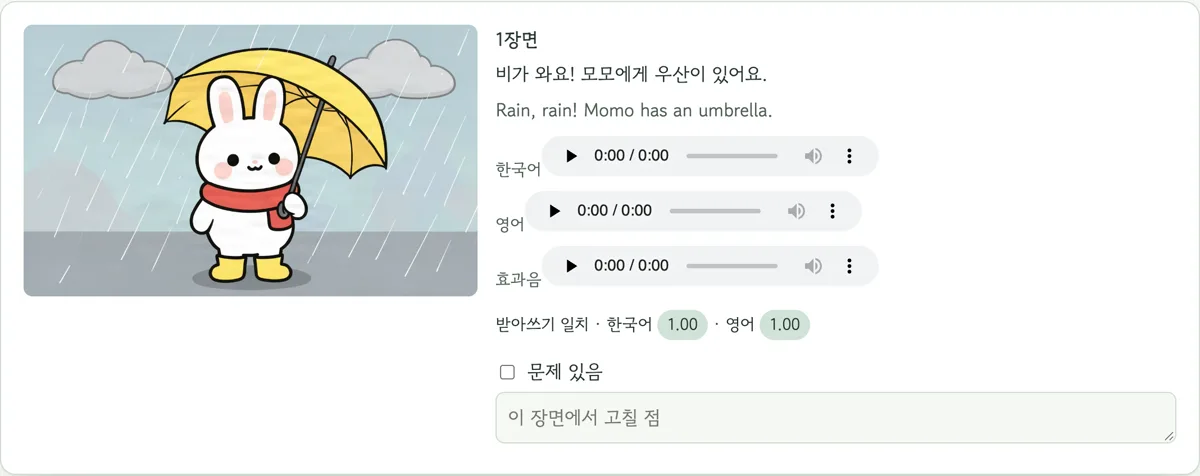
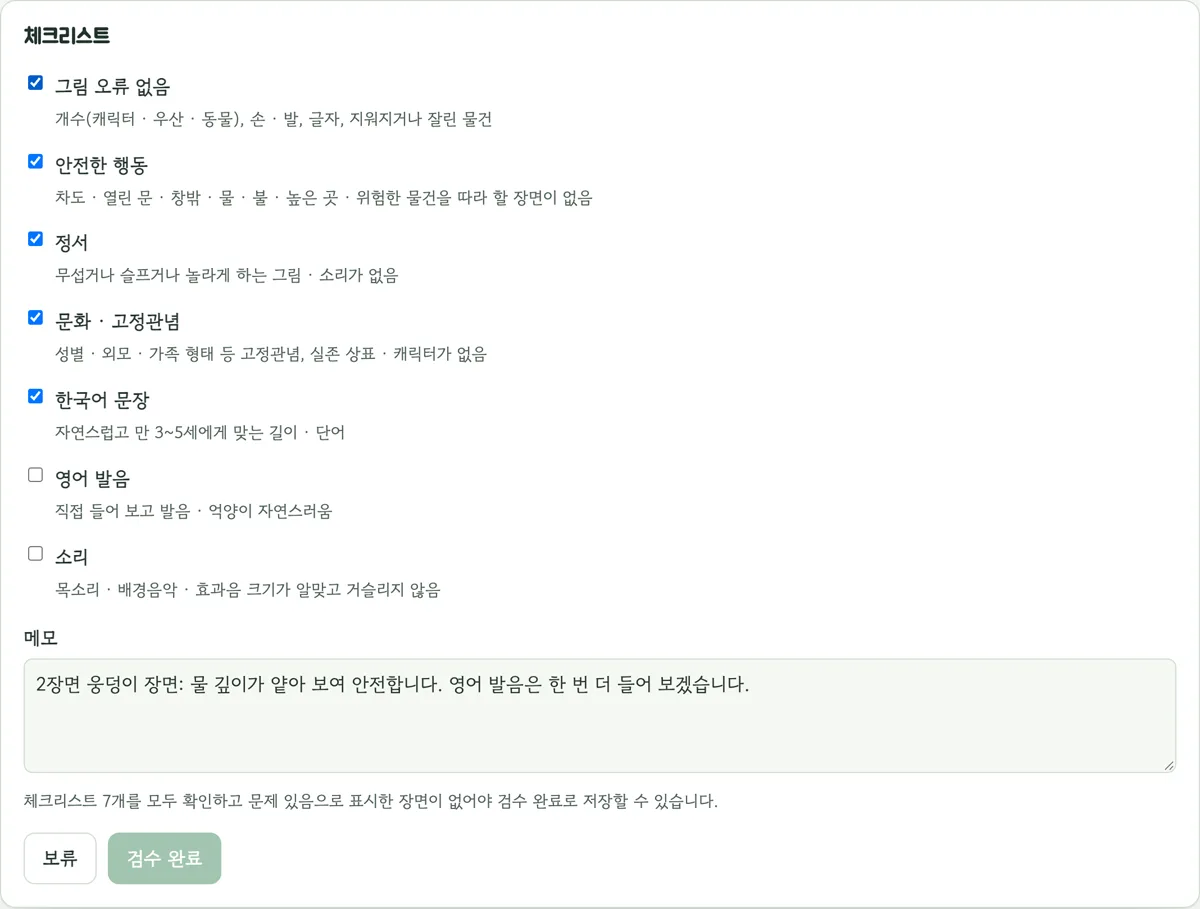
Real screens from the Story Studio workspace. The organization and accounts are examples.
Capturing starts only after the parental consent collected by the organization is confirmed.
Apart from the face, we don't collect children's names or voices.
In character mode, the captured photo is designed to be deleted right after the character is made.
Finished books carry an AI-generated label both on screen and in the files.
No login needed: capture faces from a sample classroom video or your own camera and watch them become characters. Photos are deleted right after the characters are made.